Custom properties
The Custom properties page provides an overview of additional shipment information configured for the customer account. These custom properties can include details such as packaging information, courier details, or any other shipment-related information considered relevant by the customer.
Note
This tab is only visible to customers using Custom properties
Available columns and property names may vary depending on the custom properties configured for the customer account.
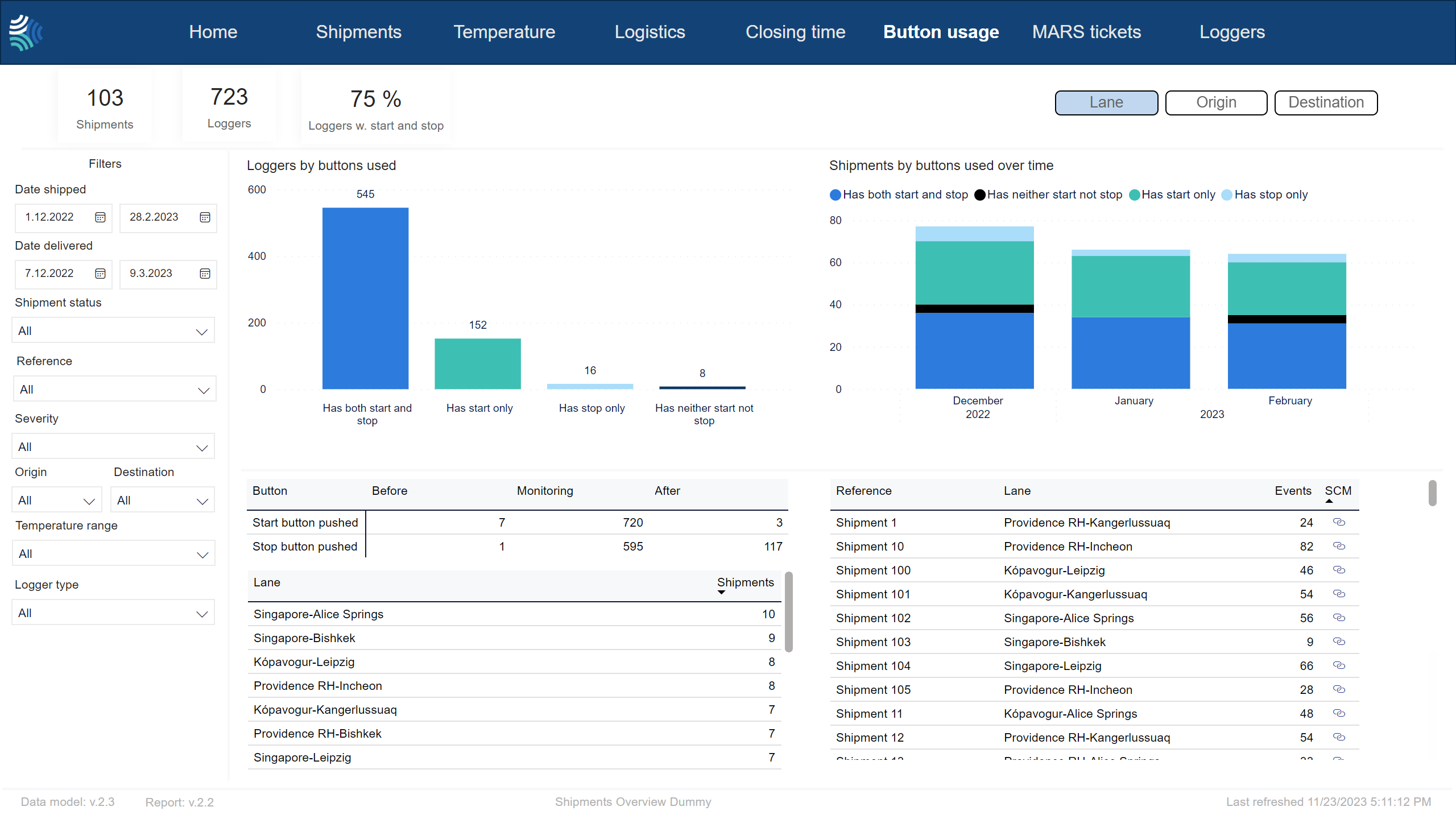
Note
Not all customers have the same filters. You may not see all of the following filters, and you may have filters not included below.
Tip
For any filter, to clear it, click  .
.
You can use the filter to select shipments data to include in the report using the following criteria:
Item | Description |
|---|---|
Date shipped | Date range for the date shipment was started, in Type a date, or click
|
Date delivered | Date range for the date shipment was delivered, in Type a date, or click
|
Reference | Reference to unique identifier of shipment in customer's system. Click to select, or press CTRL and click to select more than one from the list. |
Severity | Severity of excursion. Click to select, or press CTRL and click to select more than one of the following: |
Status | Current status of shipment. Click to select, or press CTRL and click to select more than one of the following: |
Origin | Origin of shipment. Click to select, or press CTRL and click to select more than one from the list. |
Destination | Destination of shipment. Click to select, or press CTRL and click to select more than one from the list. |
Temperature range/ Stowage condition | Temperature range to filter for. Click to select, or press CTRL and click to select more than one from the list. |
Transportation mode | Transportation mode. Click to select, or press CTRL and click to select more than one from the list. Options include:
|
Carrier | Name of carrier. |
Logger type | Type of device. Click to select, or press CTRL and click to select more than one from the list. |
