Getting started with the app
The Controlant Mobile App lets operators pair Saga devices to pre-created shipments from compatible phones, tablets or handheld devices using barcode scanning or manual entry.
The app can be downloaded for free from the App store and Google Play. Follow the below instructions after downloading the app to help you get started.
How to add an account
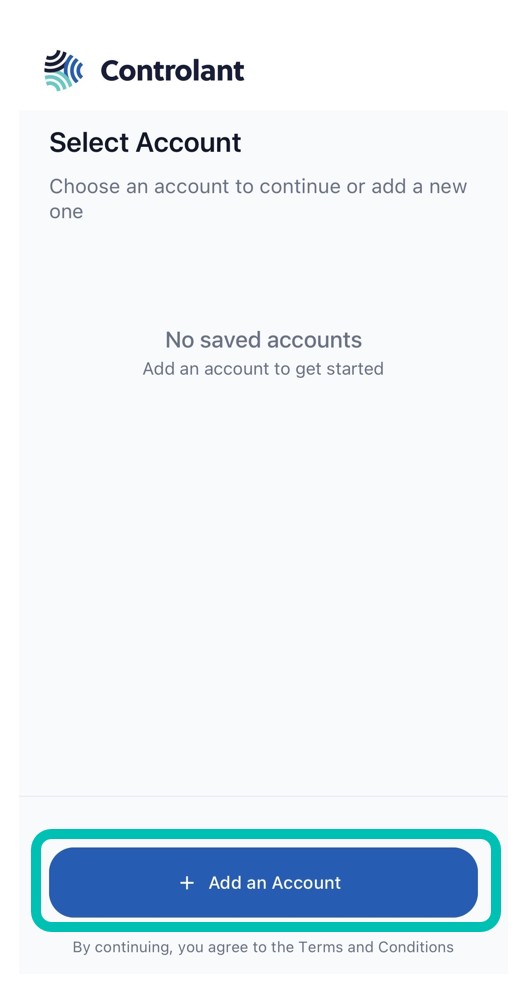
Select Add an Account.
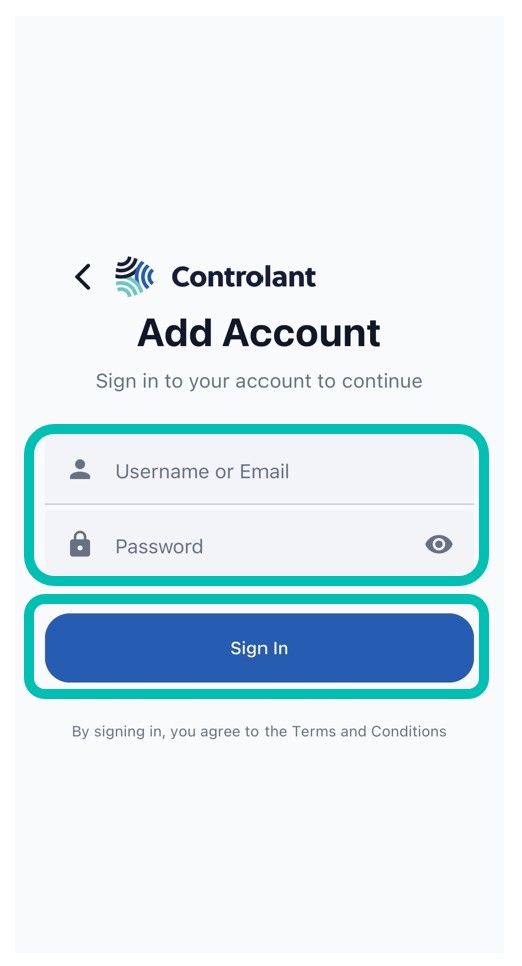
Enter your Controlant Platform (SCM) username and password and select Sign In. Your sign in information will be saved for future use.
Tip
If enabled for your account, you may also sign in using SSO.
Note
You only need to follow these steps to add an account once.
How to sign in, log out, and remove accounts
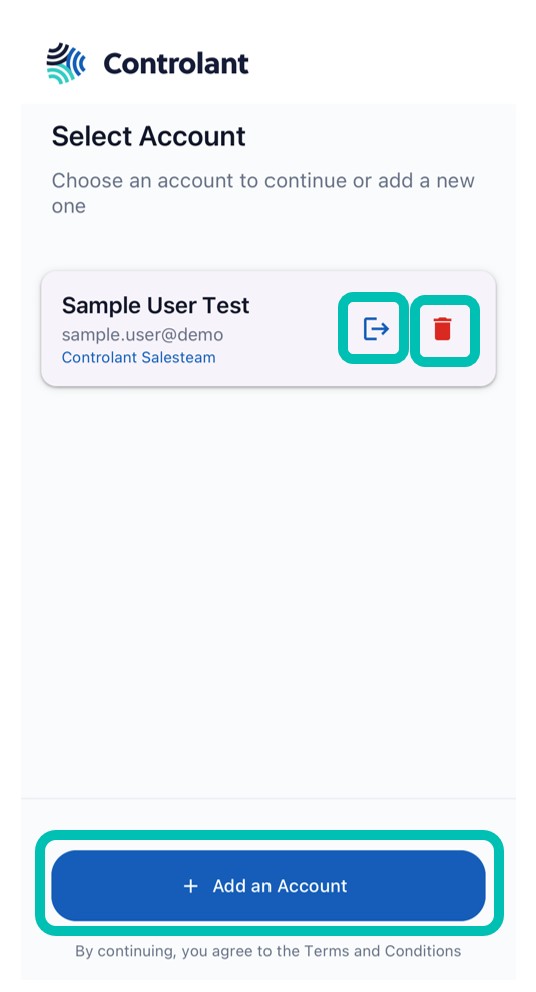
Upon opening the app, you will see a list of accounts that have been added. You may have up to 10 saved accounts stored in the app.
Click on an account to sign in.
Select the
 icon to log out of an account. Doing this will require the password to be re-entered at next sign in.
Select the
 icon to remove an account.
 |