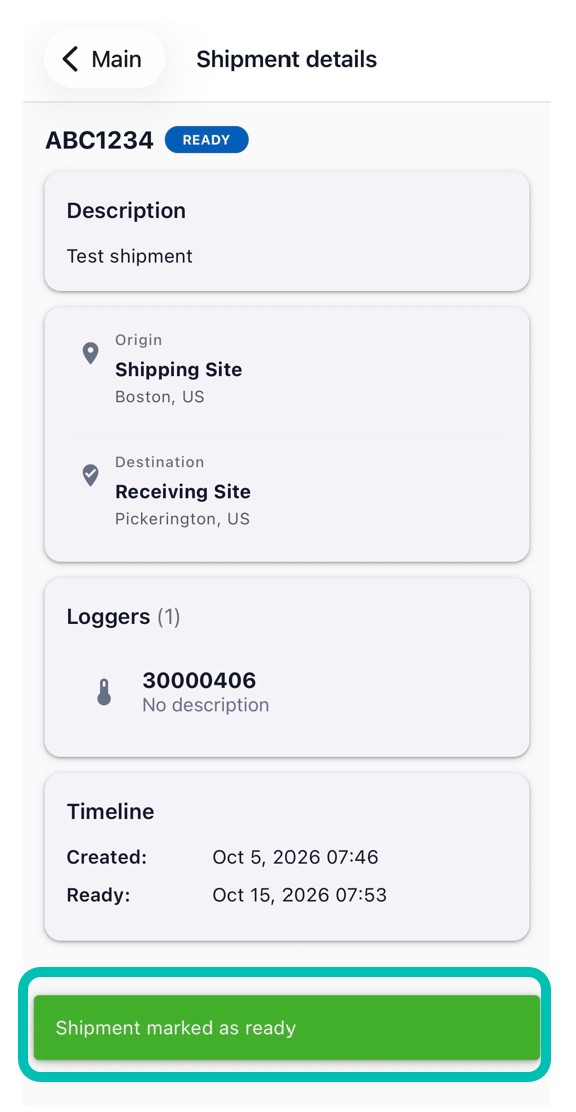
Marking shipments as ready
In this section:
Before a shipment can start, it must first be marked as "Ready to ship." Follow the below instructions to mark shipments as "Ready to ship" in the Controlant Mobile App.
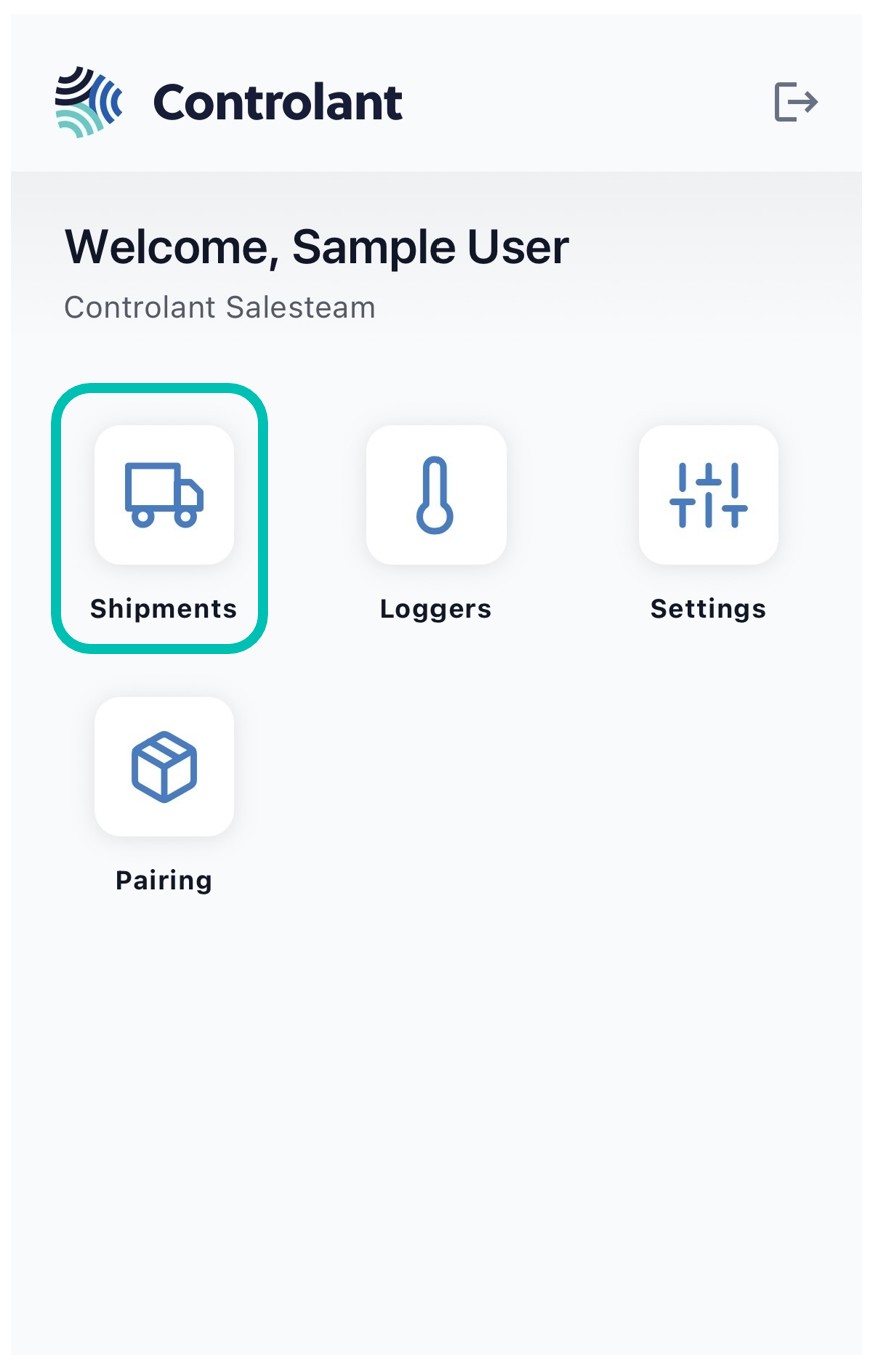
Navigate to the Shipments module by selecting Shipments from the main menu.
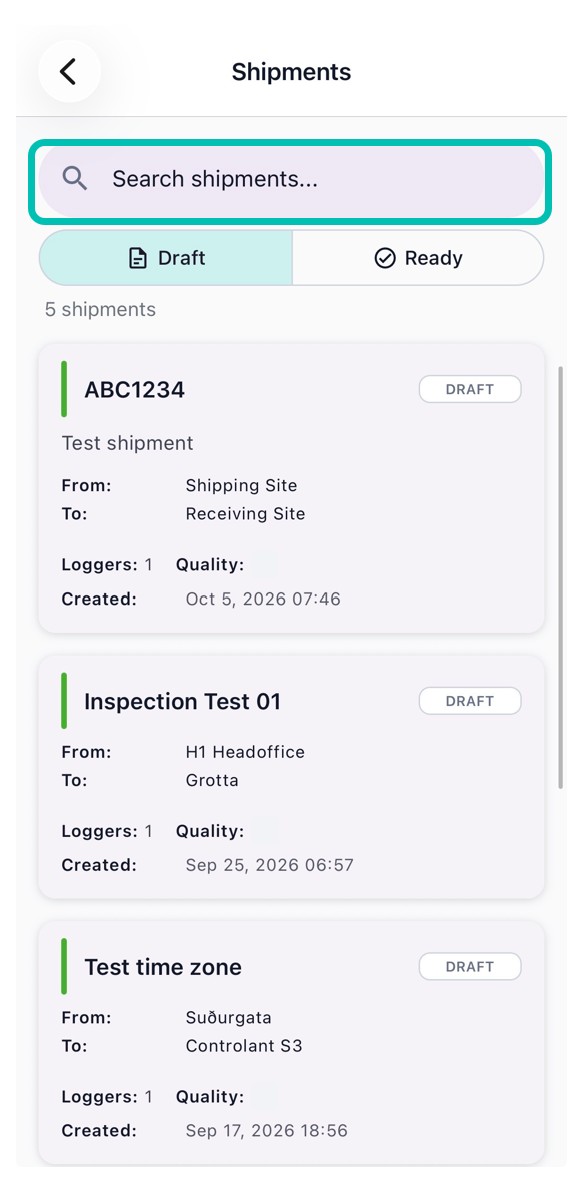
Use the search box or scroll the list of Draft shipments to find the shipment you wish to mark as ready.
Click on the shipment to open Shipment details.
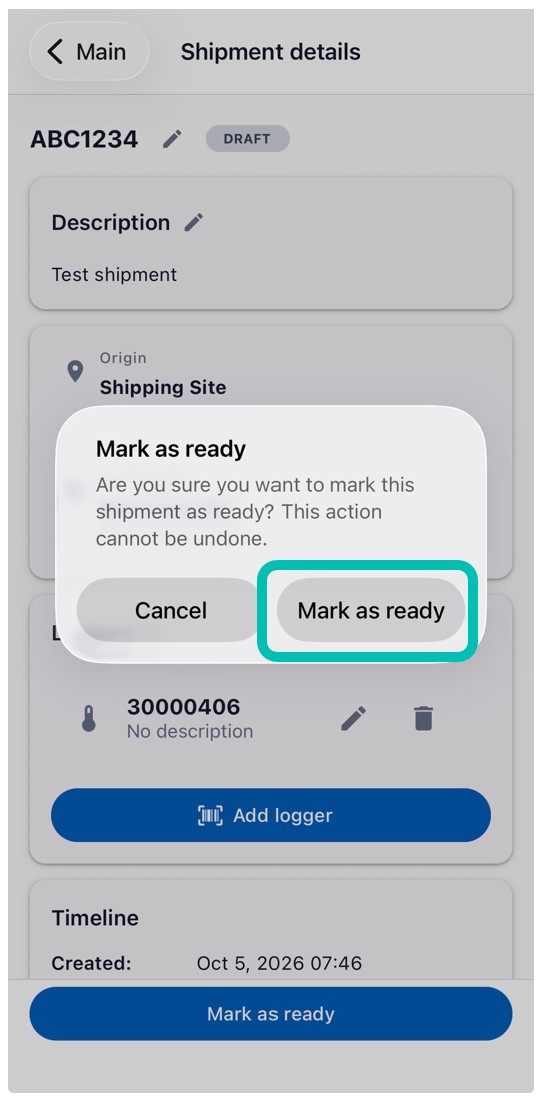
Select Mark as ready.
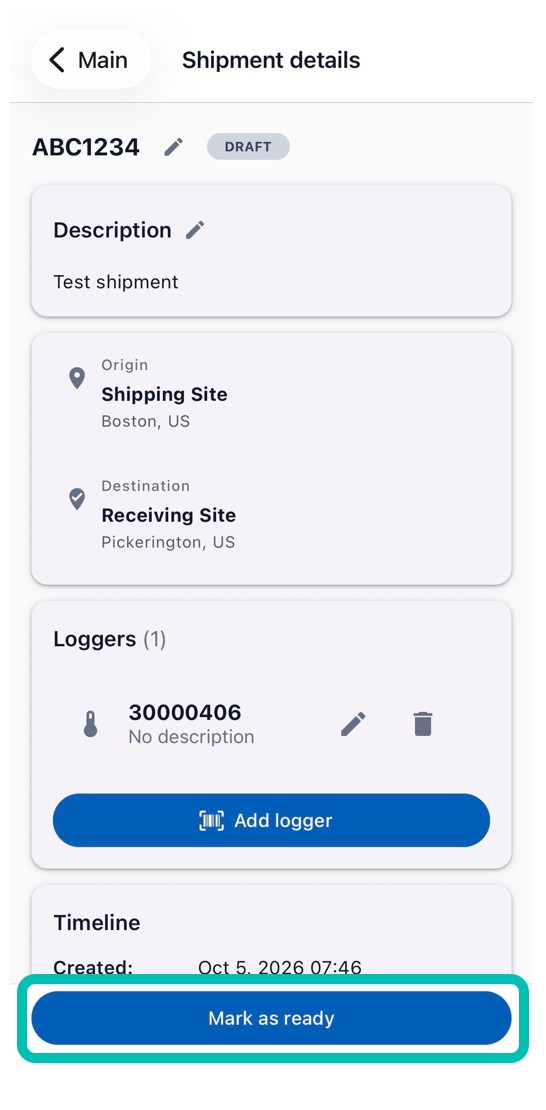
When the confirmation message appears, select Mark as ready.
Warning
This action cannot be undone.
The shipment is now marked as ready.